DIY Phone Repair vs Professional Service: What’s Right for You?
YouTube makes every repair look easy. Here’s an honest breakdown of which fixes are genuinely fine to DIY — and which ones you’ll regret attempting yourself.
GoFixKart Team
GoFixKart Team
There's no shortage of repair videos online making every fix look like a five-minute job. Some genuinely are. Others hide just how easy it is to crack a new part, damage a connector, or void a warranty you didn't know you still had. Here's a more honest breakdown.
Good candidates for DIY
- Back panel / case replacement — usually just a few screws and clips, low risk of damaging anything else.
- SIM tray or basic external accessories — no disassembly required at all.
- Charging port cleaning (lint, dust buildup) — a wooden toothpick and good lighting, done carefully, is genuinely low-risk.
- Screen protectors and cases — not a repair, but worth doing yourself either way.
Doable if you're patient and follow a proper guide
- Battery replacement on phones with a simple pull-tab adhesive design — straightforward, but requires care not to puncture the battery, which is a genuine safety risk if it happens.
- Charging port replacement — usually involves a few connectors and screws, moderate difficulty depending on the model.
- Back glass replacement on phones where it's designed to be user-replaceable — varies a lot by model.
Better left to a professional
- Screen/display replacement — involves disconnecting ribbon cables that are easy to tear, and reassembly needs to be done in the right order to avoid pinching a cable when closing the phone back up.
- Camera module replacement — tiny connectors, and misalignment affects focus and image quality in ways that are hard to diagnose yourself.
- Any repair involving water/liquid damage — needs proper cleaning of the board itself, not just replacing the visibly damaged part.
- Motherboard-level issues (won't turn on, random restarts, no signal) — needs proper diagnostic equipment to even identify the actual fault.
Questions to ask yourself before attempting a repair
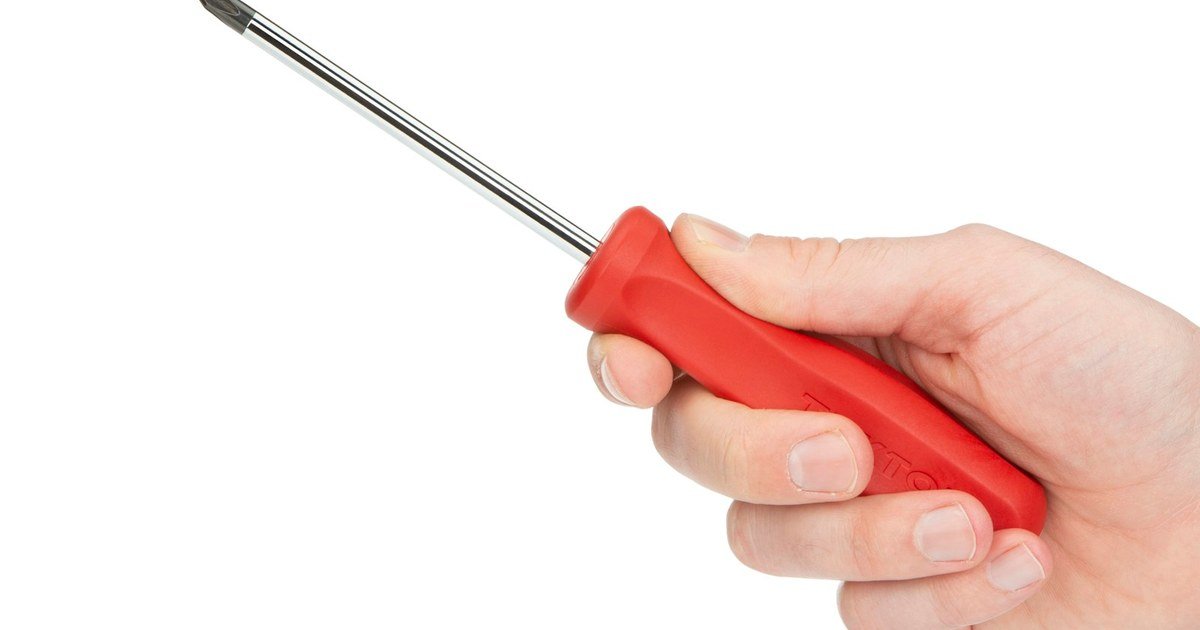
- Do I have the right tools — the correct screwdriver bits (many phones use security screws, not standard Phillips), a plastic pry tool, and a suction cup if needed?
- Is this phone still under any warranty that opening it would void?
- Am I comfortable if this goes wrong and I now need a professional anyway — plus a replacement part for the one I may have damaged?
- Do I have a clean, well-lit, static-safe space to work, with a way to keep track of every screw (they're often different lengths for different positions)?
The middle ground
You don't have to choose one or the other for every repair. Plenty of people buy the part themselves — to control cost and make sure it's genuinely the right component — and then have a professional handle the installation. GoFixKart supports both: shop model-matched spare parts if you're repairing it yourself, or book a repair through the app and let a technician handle the whole thing, including sourcing the right part.