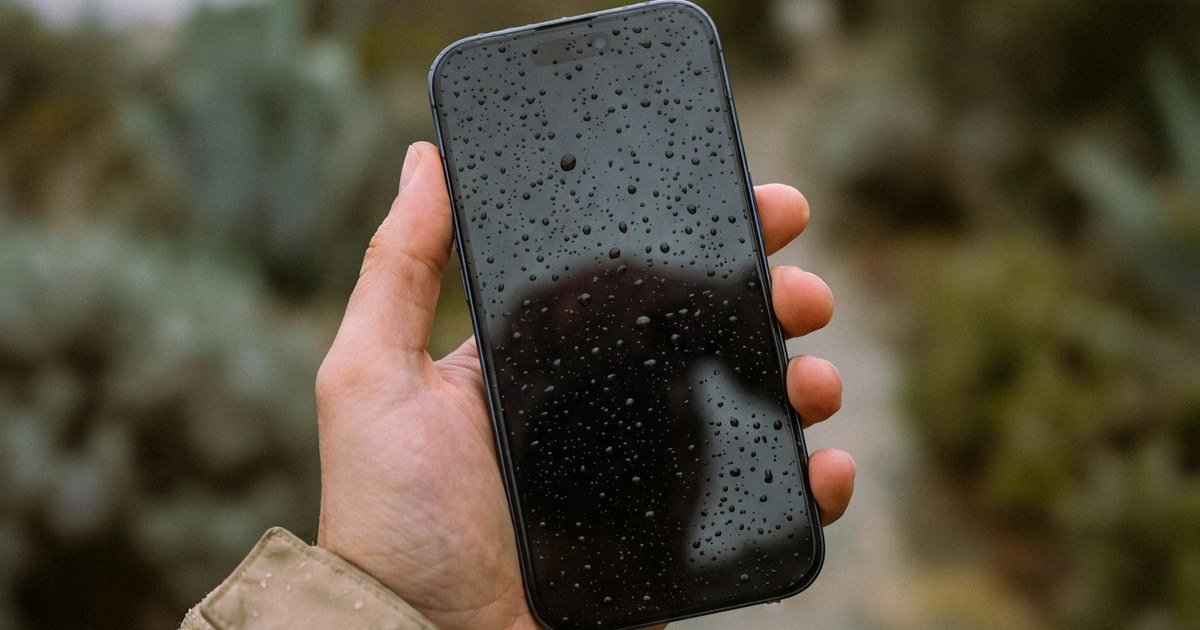
Water Damage First Aid: What to Do in the First 24 Hours
Dropped your phone in water? What you do in the next few minutes matters more than anything you do after. Here’s the right order of steps — and the myths to ignore.
GoFixKart Team
GoFixKart Team
Water and electronics don't mix — but the actual danger isn't the water itself, it's the electricity flowing through a wet circuit board while it's still powered on. That's why the very first thing you do matters far more than anything else in this guide.
Step 1: Power it off immediately — don't check if it still works first
The instinct is to press the power button to see if the screen still lights up. Resist it. If the phone is already off, leave it off. If it's on, power it down right away. A short circuit while wet is what causes permanent damage — not the moisture alone.
Step 2: Remove the SIM card and any case
Get the SIM tray out so water trapped around it can dry, and remove any case or cover that might be holding moisture against the phone's seams instead of letting it evaporate.
Step 3: Dry the outside, don't heat the inside
Pat the exterior dry with a soft cloth. Do not use a hairdryer, place it in an oven, on a radiator, or in direct sun — heat can warp internal components and damage the battery. Room temperature air drying is safest.
Step 4: Skip the rice — it doesn't actually work well
This is the most repeated water-damage myth out there. Rice absorbs some ambient moisture, but it's slow, inconsistent, and rice dust can get into ports and speaker grilles, making things worse. If you have silica gel packets (the ones from shoe boxes or medicine bottles), a sealed container with several of those is genuinely far more effective — leave the phone in it for at least 24-48 hours.
Step 5: Don't charge it, and don't plug in headphones
Both the charging port and headphone jack (if your phone has one) are common entry points for water damage, and running current through them while any moisture remains risks a short. Wait until the phone is fully dry and, ideally, inspected before connecting anything.
What actually causes permanent damage
It's rarely the initial splash. It's usually one of: powering the device on too soon, plugging it in to charge while still damp, or corrosion setting in over the following days because moisture wasn't fully removed. Corrosion on the circuit board is progressive — it can keep spreading for days after the phone seems to have "dried out," which is why a proper internal cleaning matters even if the phone appears to work fine after 24 hours.
When to get it professionally checked
If the phone was submerged (not just splashed), was in salt water, or was on when it got wet, don't just wait and hope — have it opened and cleaned professionally. Salt water in particular accelerates corrosion dramatically compared to fresh water. A technician can flush and clean the internals with isopropyl alcohol and inspect the board under magnification for corrosion that isn't visible from outside.
If you do need parts afterward — a new battery, charging port, or display if corrosion has already reached that far — GoFixKart has model-matched replacements ready, and you can book a professional repair through the app if you'd rather not open the phone yourself.